

Webex Customer Experience
Webex Contact Center
Omnichannel Integration · AI Agent Assist
- ChannelOmni-channel support for voice, web chat, email, and social media
- RouteIntelligent routing by skill, priority, and customer value
Phones, headsets, and conference devices are provisioned by workstation and room. Webex Suite and the Customer Experience Platform manage meetings, messaging, calls, and service workflows. Hardware serves as the endpoint; collaboration capabilities are delivered via subscription, with a unified identity spanning the entire platform.
Supports Cisco Rooms, Microsoft Teams Rooms, Zoom Rooms, and Google Meet
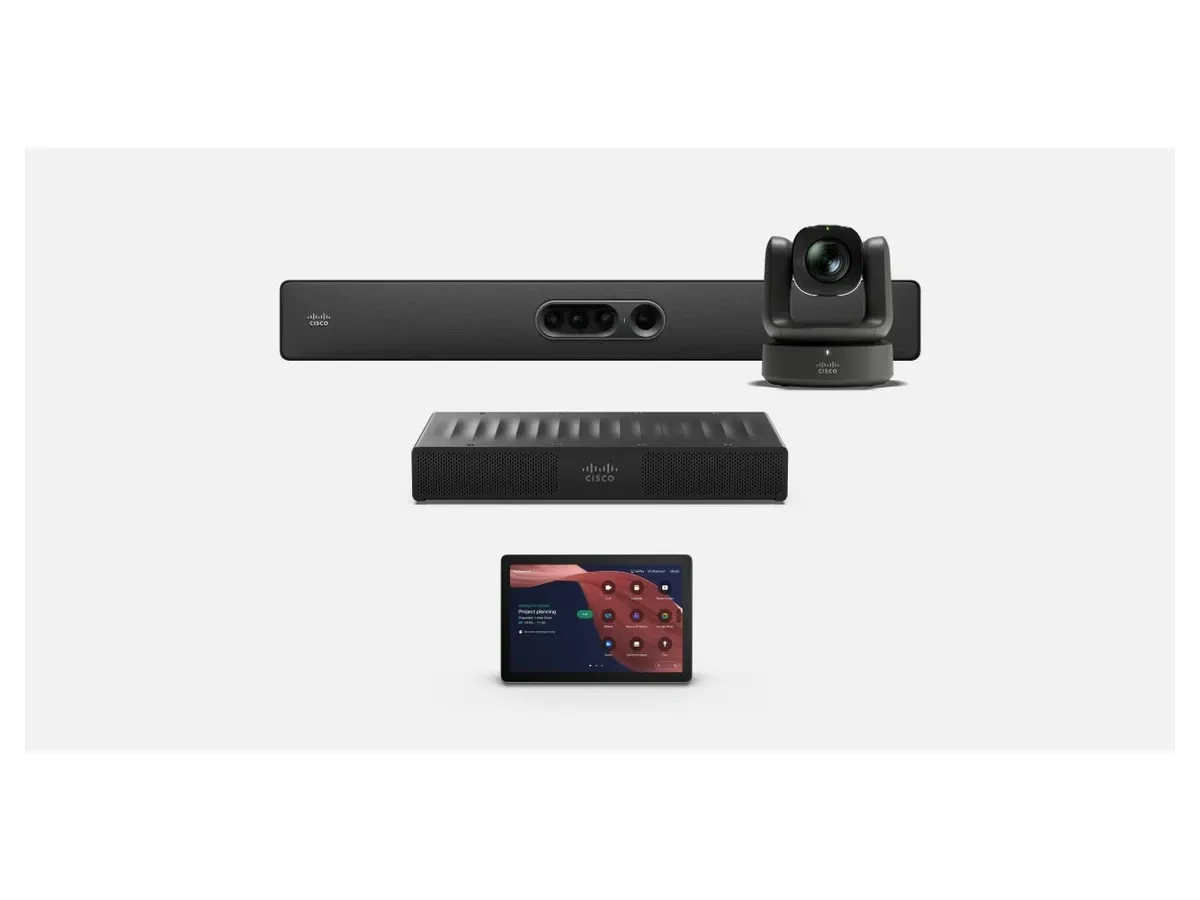
Room Kit Pro G2Large-scale space codec solution
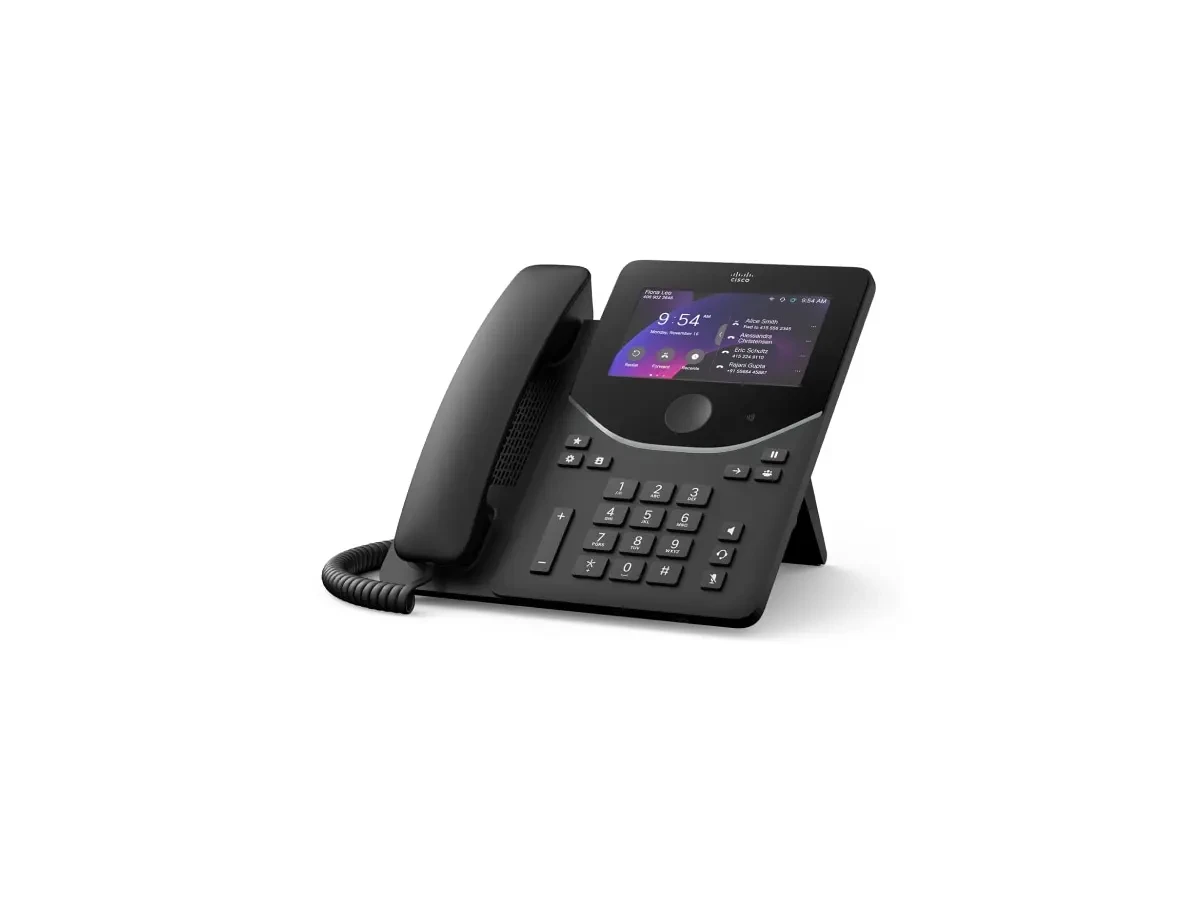
Desk Phone 9800
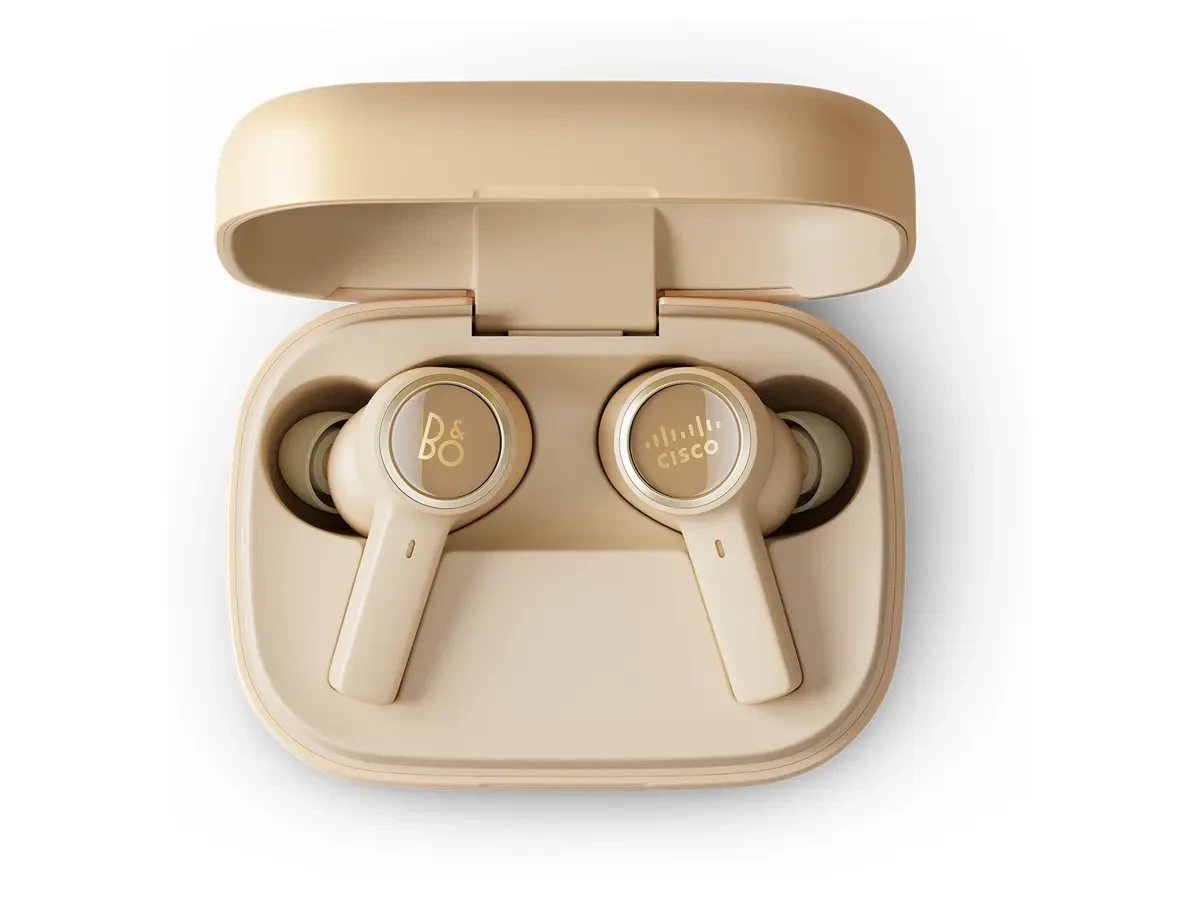
B&O 950
Cloud contact center platform designed for customer service and sales: omnichannel connectivity, AI-driven self-service and agent assistance, real-time operational dashboards, journey analytics, and internal collaboration—all on a unified platform with shared security policies.
Cloud contact center platform designed for customer service and sales: omnichannel connectivity, AI-driven self-service and agent assistance, real-time operational dashboards, journey analytics, and internal collaboration—all on a unified platform with shared security policies.
2This product
Series BrochureWebex Customer Experience
Omnichannel Integration · AI Agent Assist

Webex Customer Experience
Smart Front Desk · Journey Data
Subscribe by agent and channel; integrates with existing CRM and ticketing systems.
On the same platform, room size determines device configuration, while role type dictates phone and headset form factors. Start by confirming the room list and agent count, then select specific models.
9800 and 8800 series are tiered by role; log in to restore your contacts and calendar, and enjoy hot desks for shared workstations available on demand. B&O 950 and 720 series handle personal audio.
Room Bar and Room Bar Pro combine framing, audio capture, and playback in a single device. Place Room Navigator at the entrance for meeting detection and environmental monitoring. Plan cabling using a single Ethernet cable per unit.
Room Kit Pro G2 with Quad Camera and Room Vision PTZ for long tables and podiums; Ceiling Speaker Pro and Table Microphone Pro positioned based on acoustic conditions.
9821 enables calls and messaging over enterprise Wi-Fi. The IP68-rated chassis withstands frequent wiping and disinfection, allowing staff in care, warehousing, and production areas to handle communications without returning to a fixed workstation.
RoomOS devices can switch between Cisco Rooms and third-party room modes. The conferencing platform is chosen by the user, and hardware remains unchanged regardless of the platform.
Native RoomOS experience with deep Webex Meeting integration
Start in Teams Rooms mode to keep your existing collaboration habits
Switch to the Zoom meeting interface with one click—no need to change room equipment.
Supports Google Meet mode for unified cross-border team meetings.
Specify the number of meeting rooms, expected attendee count, available desks, video requirements, existing multimedia equipment, and preferred conferencing platform (Webex, Teams, Zoom, or Google Meet). We will provide recommended device bundles, accessory lists, and subscription options.
Submit your requirements and contact details. A sales consultant will confirm pricing, stock availability, and delivery options with you. Product prices are subject to quotation.